Open web artifacts.
Yours, not the chatbot’s.
Same idea as a Claude or ChatGPT artifact where one browser page runs. Except this one is an open URL: it embeds live, takes inputs, and you can host it yourself. Wire it to data, cite it, fork it, host it yourself. Nobody needs an account to open what you made.
Running, not a screenshot. Open it and it runs the same for anyone.
What changes when the artifact has its own URL
An artifact built inside a chat app runs in that app’s viewer, and is tied to your account there. It can’t drop into your paper as a live figure, take values from your notebook, or run on your own hardware. A framejs artifact — a frame — is a URL running open-source code, so all of that is ordinary.
Open source: you can control your own data
The core rendering and editing machinery is an open source server and simple standalone HTML webpage. You can easily store the frames as URLs standalone, and in your own apps. This keeps power in your hands, and less in the hands of the AI companies.
Open source →Embed it live
One <iframe> puts the running artifact inside a paper, an LMS, a docs site, a slide. It's not a screenshot, it's live and interactive.
State rides in the URL
Zoom, selection, parameters: the artifact writes its own state back into the link, so you can send it already set to the *exact* view you mean.
URL state →It becomes a notebook widget
The framejs Python package makes any artifact a Jupyter or marimo widget. Values pass both ways, so your Python and the artifact stay in step.
Jupyter & marimo →Artifacts wire into each other
Inputs and outputs connect one artifact to the next, so a handful compose into a dashboard or a pipeline instead of five unrelated links.
Connecting frames →Cite an exact version
Publishing pins a content-addressed snapshot at ?v=<sha256>. That URL keeps resolving, permanently — something a paper can point at.
Fork it. Host it yourself.
The rendering runtime is MIT-licensed and the URL format is documented. Run the whole thing inside your own network and your artifacts keep working.
Open infrastructure →And: an MCP connector and agent skill so your assistant keeps editing the artifact in place · frames on disk and in git · link unfurls and social cards · QR codes · per-frame API tokens · a public gallery you can publish into.
One link, wherever it lands
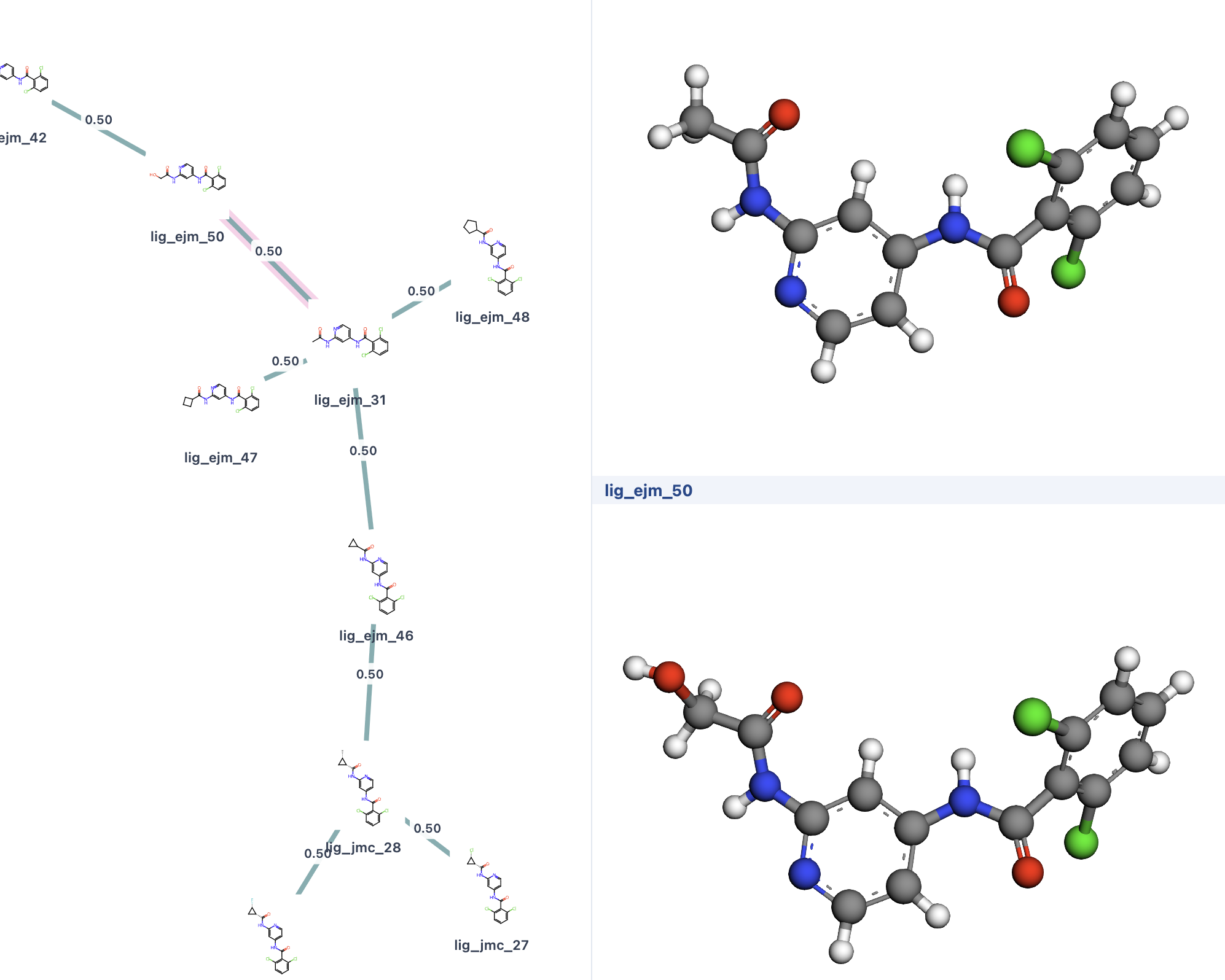
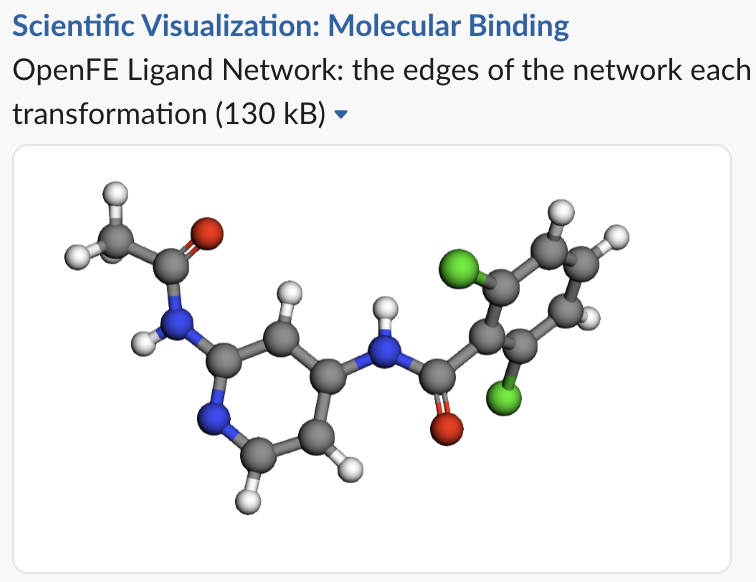

How to work with framejs
Connect your AI, once
claude desktop · web · mobile
Settings → Connectors → Add custom connector. Nothing to install. Connector guide →
claude code · cursor · gemini cli
For agents with a shell — works across ~40 harnesses and can read data files off your machine. Skill docs →
Ask for what you want
›render an interactive 3d surface plot I can embed
Plain language. No toolchain, no boilerplate, nothing to configure.
Get a link that runs
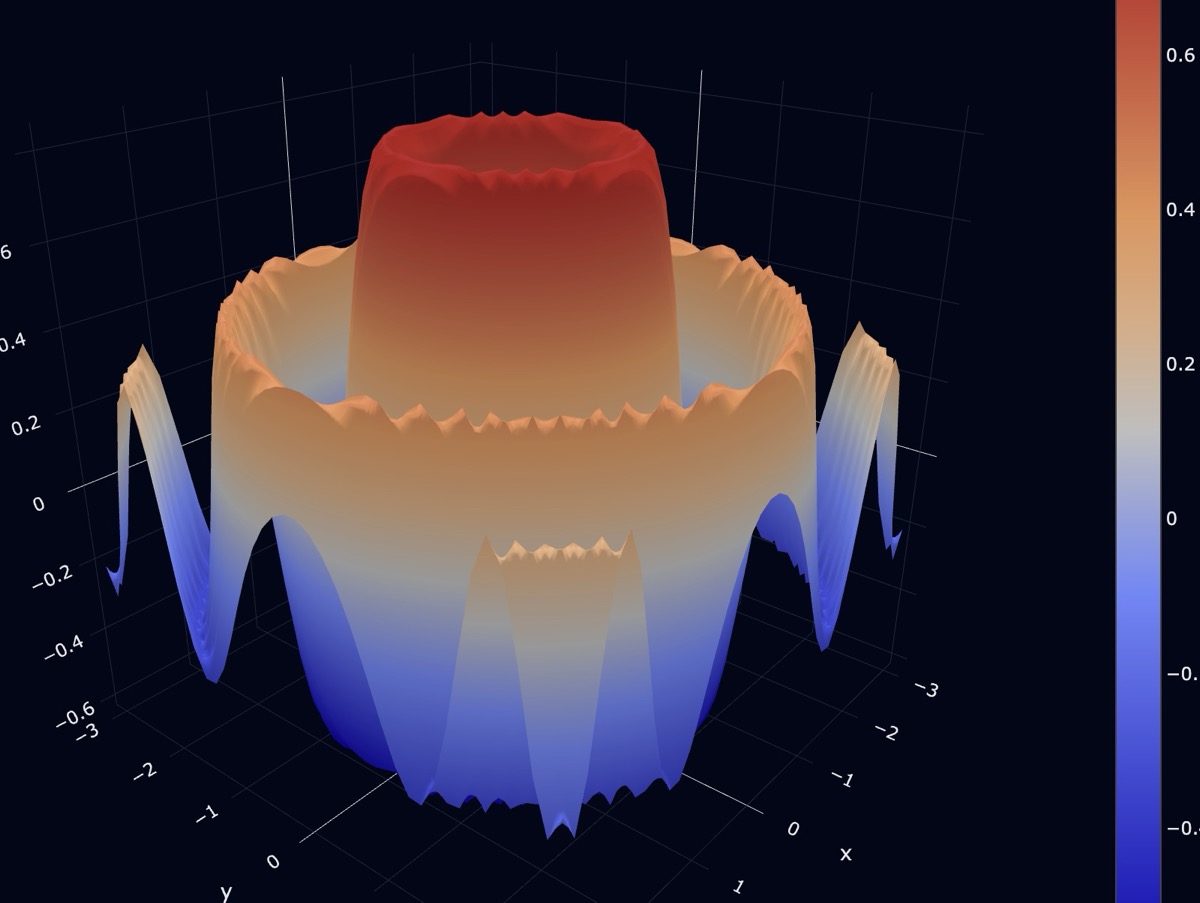
That link is the whole artifact. Send it, cite it, or embed it live:
Open infrastructure
The runtime is MIT-licensed and stays that way, and a published version keeps resolving permanently. Accounts are free — no card, and nothing core sits behind one.
Open infrastructure →anonymous frames